
Let it snow on your screen: the trick that snows on your whole Mac, not one web page
Short answer
Browser tricks like Google's old 'let it snow' only make it snow inside one web page, and it stops when you leave. To make it snow on your whole Mac screen, over every app, use a snow app. KoiArt puts snow on your entire desktop: it lands on your windows and the Dock, piles up, and slides off when you drag a window. It runs from your menu bar and keeps snowing until you turn it off.
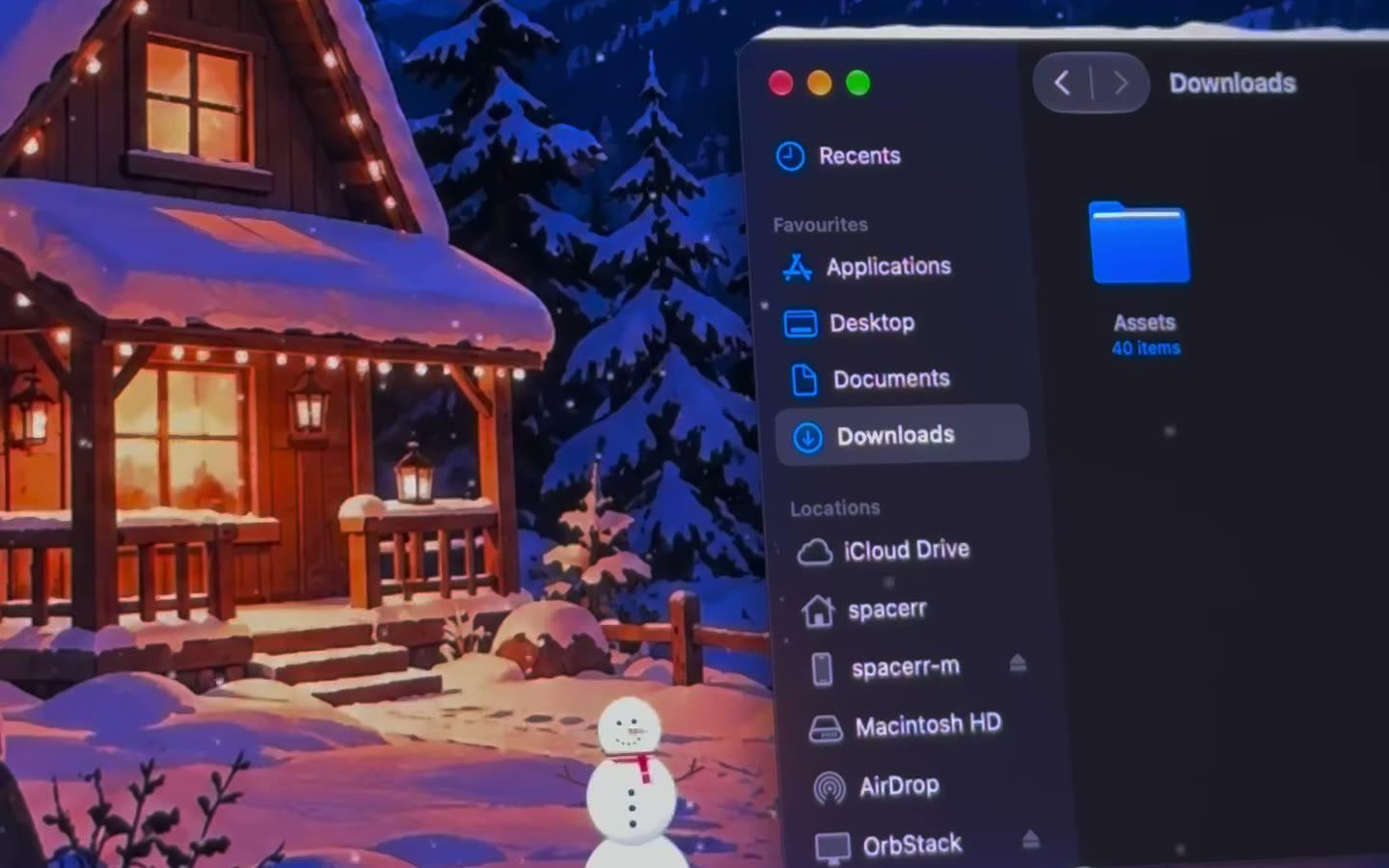
Why the browser trick isn't enough
A web page can only draw inside its own tab. So the snow stays in your browser, disappears when you switch apps, and resets when you close the tab. Fun for ten seconds.
To make it snow over your whole screen, an app has to draw on top of the desktop itself. That's what a Mac snow app does.
Make it snow on your whole screen
- Download KoiArt from koiart.app and drag it to Applications.
- Open it and pick Snow, or Heavy snow for a storm.
- Watch it land on your windows. Drag one and the snow slides off.
- Optional: on the Effects tab, click Allow so snow piles up on the Dock too.
Things a web page can't do
- Snow that settles on top of every window, in every app.
- Snow on the Dock and your desktop widgets.
- Snowballs you roll with your pointer and throw.
- Wind that blows the snow left or right.
- Snowmen that wait for you after a restart.
Will it get in my way?
No. Every click goes straight through the snow. Behind windows is on from the start, so the falling snow stays on your wallpaper, under your apps. More in snow only on your Mac wallpaper.
Questions people ask
Does Google's 'let it snow' still work?
It was a 2011 Easter egg, and it only ever snowed inside the search page. For snow on your whole screen you need an app.
Can I make it snow on my Mac for free?
macOS has no snow of its own. KoiArt is $9 once, no subscription.
Does it work on Windows?
KoiArt is for Mac (macOS 14 Sonoma or newer) and Windows 10 or 11. This guide is about the Mac.