
Christmas screensaver for Mac with heavy falling snow
Short answer
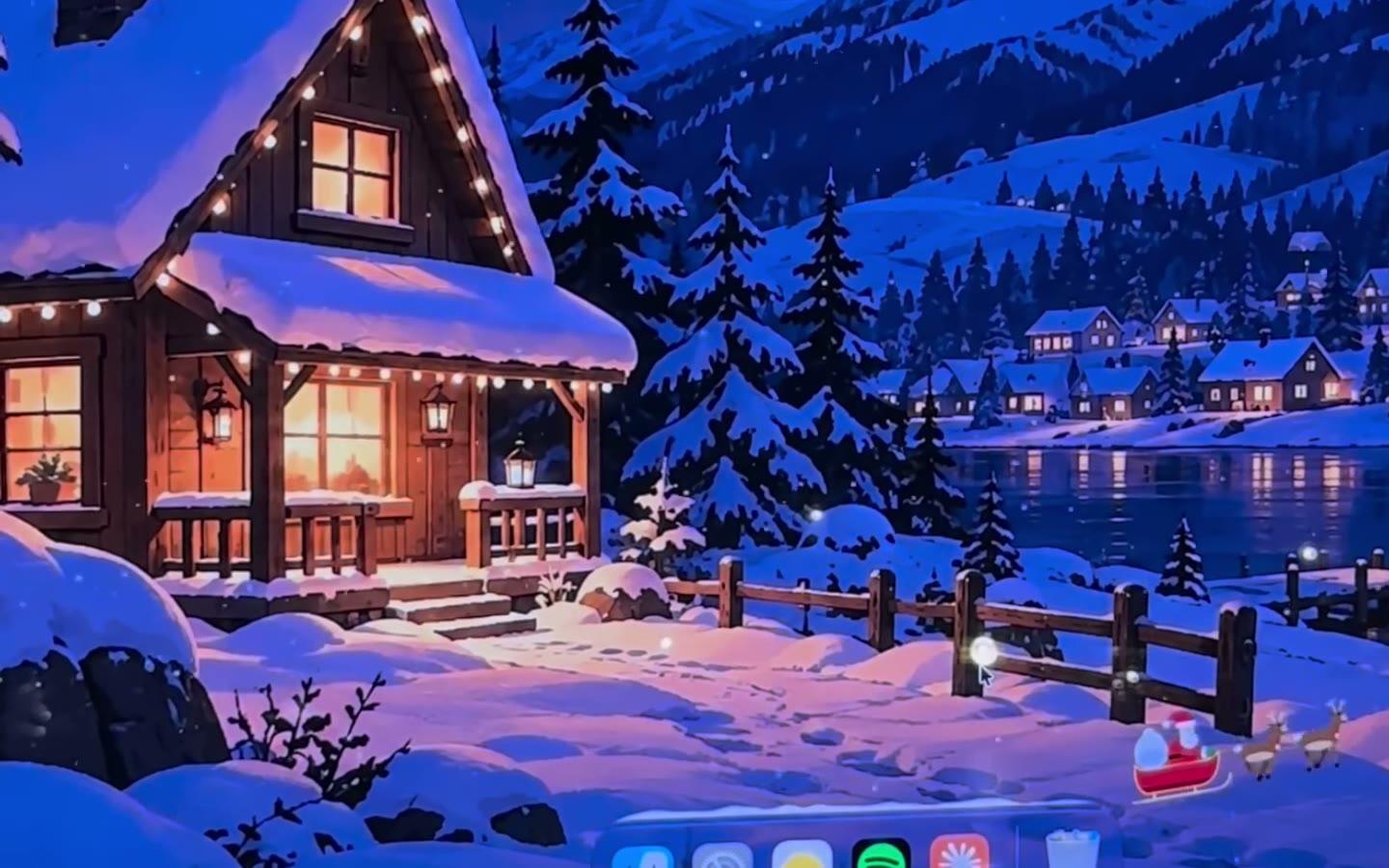
KoiArt has a Christmas screen saver. Open the Screen Saver tab and click one of the four painted Christmas pictures, and it's on. When your Mac sits idle, the picture fills every screen and heavy snow falls over it. Move the mouse or press any key to come back. Click Try it to see it right away.
How to turn it on
- Open KoiArt and go to the Screen Saver tab.
- Click one of the four pictures. That picks it and turns the screen saver on.
- Under Start after, pick how long your Mac waits first: 1, 2, 5, 10, 15 or 30 minutes.
- Click Try it on any picture to see it now, without waiting.
What you see
The picture covers every screen, and heavy snow falls over it the whole time it runs. Move the mouse or press a key and you're back where you left off.
Can't pick one? Turn on A different picture each time and it goes through all four, a new one each time it starts. To stop it, switch off Use as screen saver.
When it won't start
- While a video or a call keeps your screen awake.
- While you're playing a game, with Pause while gaming on.
- When your Mac's own screen saver or screen sleep comes first. KoiArt tells you, with a button to open System Settings. Pick a shorter time in KoiArt, or a longer one there.
Snow while you work, too
A screen saver only shows when you're away. KoiArt also puts falling snow, Santa, snowmen and a Christmas tree on your desktop while you use your Mac. Snow piles up on your windows and the Dock, and every click still goes through. See how to make it snow on your Mac.
Does it slow down my Mac?
KoiArt draws everything on your Mac's graphics chip, so it stays light. The desktop snow stops while a full-screen app is open, and Pause on battery stops it when your MacBook is unplugged. More in do snow effects slow down your Mac.
Questions people ask
Does it replace the macOS screen saver?
No, it runs next to it. If the Mac's own screen saver starts first, you won't see KoiArt's, so give KoiArt the shorter time.
Does macOS have a Christmas screensaver built in?
No. macOS has no Christmas or snow screen saver of its own.
Does it lock my Mac?
No. It only covers the screen. Your Mac locks the way it always does, set in Lock Screen in System Settings.
How much is it?
$9 once for 1 computer, or $15 for 5 computers, Mac or PC. No subscription.