
A snowball fight on your Mac desktop: roll, throw and hit the Yeti
Short answer
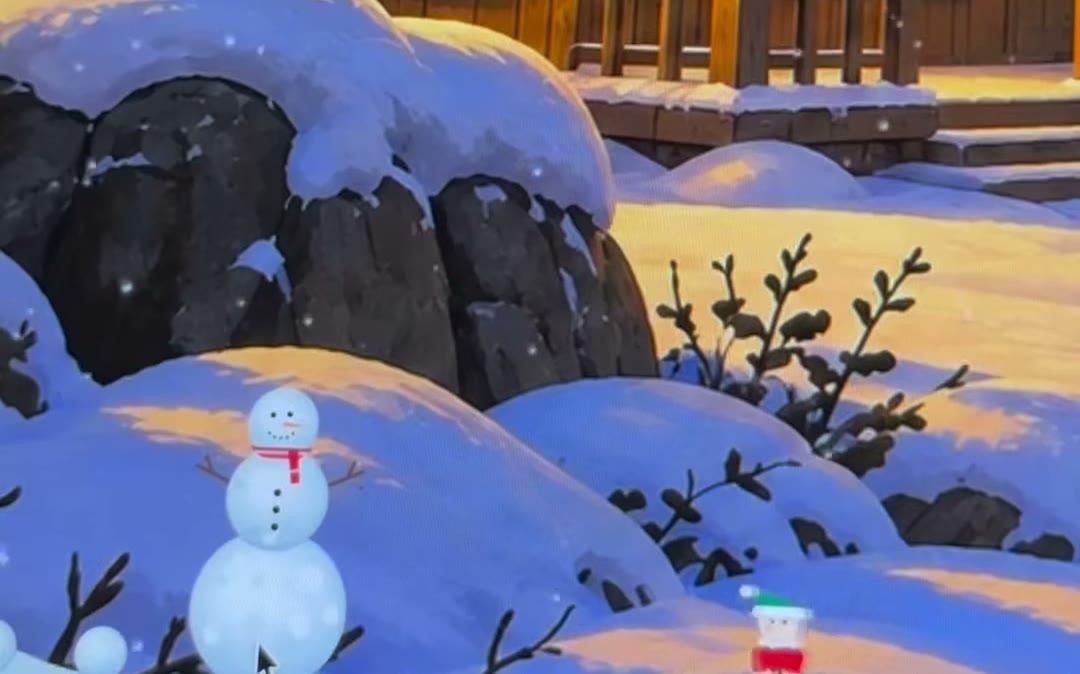
In KoiArt, turn on Snow and let it settle. Slowly sweep your pointer through the snow to roll a snowball, then grab it and let go mid-swing to throw it. Throw it hard at another ball and both break. Hit the Yeti and it falls over before it gets your snowman. And every few hours while it snows, two snowmen pop out of the snow and have a snowball fight of their own.
How to throw a snowball
- Click the snowflake in the menu bar at the top of your screen and pick Snow.
- Wait for the snow to settle on a window, the Dock or the bottom of your screen.
- Slowly sweep your pointer through it. A ball forms and grows as it rolls. A quick sweep just scatters the snow.
- Grab the ball, swing, and let go mid-swing. It flies.
What a snowball can hit
- Another snowball. Throw it hard and both break, along with anything stacked on them.
- A snowman. Throw hard enough and it breaks too, so be gentle with the ones you like.
- The Yeti. It falls over, lies there a moment and is gone.
- Nothing at all. Throw it off the top of the screen and it falls back down. A ball that falls from high up breaks where it lands.
- A slow throw only bumps what it reaches.
Watch two snowmen fight
Every few hours while it snows, a blue snowman and a red snowman rise out of the snow at the bottom of your screen and start a snowball fight. They scoop, throw, duck and dodge. One might build a little snow wall to hide behind, shove the other over, or run off with the other one chasing.
It ends when one takes a snowball to the head and crumbles. The winner dances, steals the loser's hat, runs off in shock, or stays to mourn. Sometimes they both go down. And sometimes one waves a white flag, shakes hands, and throws a snowball at the other's back.
You can't join this one, it's theirs. Want to see it now? Click the snowflake in the menu bar and pick Send snowmen.
Keep your snowman safe from the Yeti
Once a snowman has stood for a while, the Yeti may come for it. If it's on the Dock or the bottom of your screen, the Yeti runs at it and knocks it over. If it's up on a window, the Yeti throws two snowballs at it from a corner of the screen.
Drag your snowman away, or better, throw a snowball at the Yeti first. Hit it and it falls over before it gets your snowman. That works on the Yeti chasing the elves too, and on the one coming for your Christmas tree. More on building and keeping snowmen in the snowman on your Mac.
Send snowmen or the Yeti yourself
- With Snow on, click the snowflake in the menu bar. Send snowmen starts a fight right away.
- Send Yeti sends it after your snowman, so you can practice your aim. With no snowman around, it goes for your newest Christmas tree instead.
- Turn on Frequent visitors in Settings and the snowmen come by every half hour or so while it snows.
- Don't want them? In Settings, click the little arrow next to Visitors and switch off Snowman fights or The Yeti. You can still send them from the menu.
Questions people ask
Why won't the snow roll into a ball?
Move slower. A quick sweep just scatters the snow. Also check that Snowballs is on in Settings.
Do snowballs get in the way of my clicks?
No. A ball only takes the mouse while your pointer is on it. Every other click goes through to your apps.
Can I join the snowmen's fight?
No, that one's just for watching. Save your snowballs for the Yeti.
Does the snowplough take my snowballs?
Yes. When it clears the snow, your snowballs go too. The fighting snowmen run off when they see it coming.
How much is it?
$9 once for 1 computer, or $12 for 5 computers, Mac or PC. No subscription.